Epson Custom Paper Sizes in Photoshop / Mac
For Red River Paper greeting cards, scrapbook 12x12 sheets, panorama printing, and other special projects, you need to define a custom paper size in the Epson printer properties. Below are instructions for setting a custom paper size starting in Photoshop 7, CS, CS2.
To BEGIN
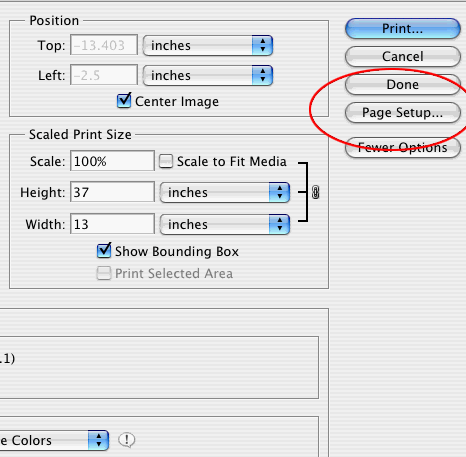
Go to FILE > PRINT WITH PREVIEW then PAGE SETUP from the print preview menu
PAGE SETUP DIALOG
Choose your printer from the "Format For" drop down menu
Under "Paper Size" choose "Manage Custom Sizes". The below dialog will appear
(make sure to choose the right paper orientation for your print job)

Define a custom paper size.
Important Tip - the smaller paper dimension is ALWAYS the width. The larger dimension is always the height.
MARGINS - Read Carefully!
Start by setting all margins to 0.15" at minimum. You can come back and adjust if necessary, but do not go below that number.
Now name and save the new paper size for later use.
* Canon Note - Most Canon printers can only print up to 23.39" long. Setting your paper size over this maximum will likely cause random print errors from OSX
OSX may not handle custom paper sizes correctly. It is system and printer specific and may not happen to you. If it does, your margins will probably be off. Come back to this dialog box and adjust the Printer Margins. This may take some experimentation but is necessary.
Note for 13x38 Pano Size users - the max paper width will be set to 1295.
Related Posts and Information
Last updated: December 07, 2020


