8" x 9" (Pano) Greeting Cards
8" x 9" (Pano) Greeting Cards Details & Information
Description
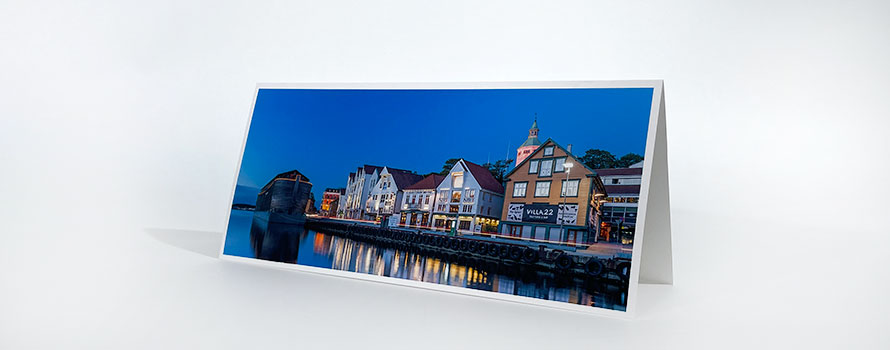
Inkjet Pano Cards are guaranteed to turn heads and get friends, family, and clients to take notice of your work.
Unfolded, the pre-scored sheets are 8" x 9". When folded, the Pano Card is 9" x 4".
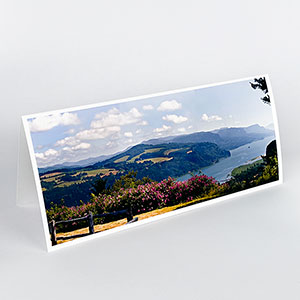
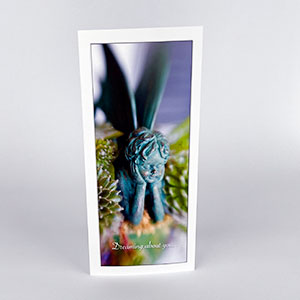
Pano Cards are perfect for your your landscapes and wide angle shots. Try something new and make a tall crop for your work printing on the card vertically.
Pano Cards fit into a standard #10 business envelope so mailing is easy and costs the same as other card sizes.
Learn more about prepping imaging for Pano Cards.
Complete Your
Greeting Card Project
MATCHING ENVELOPES
Order Red River Paper envelopes to give an elegant touch to your greeting card presentations.
Envelope OptionsCLEAR BAGS FOR CARDS
Display your inkjet photo cards in these high quality clear bags. Clear bags hold one folded greeting card and one envelope.
Order Clear BagsCARD BOXES
Choose from clear boxes or white boxes with a clear top to present your cards & envelopes.
New to Greeting Card Printing or Just Want to Up Your Game?
Click for the Greeting Card Help Center.


Red River Paper Inc. All contents © 1997 - 2026. 8900 Ambassador Row, Dallas Texas, 75247. Prices, specifications, and images are subject to change without notice. Not responsible for typographical or illustrative errors. Website Terms & Conditions | Acceptable Use
Site Development & Maintenance: Phosphor Media, LLC