Download free printer color ICC profiles for the Canon TM line of printers and Red River Paper brand inkjet papers. Red River Paper offers the finest inkjet media in the sizes you need. Sourced from the best mills and coaters, It offers the same quality or better than the big-name brands.
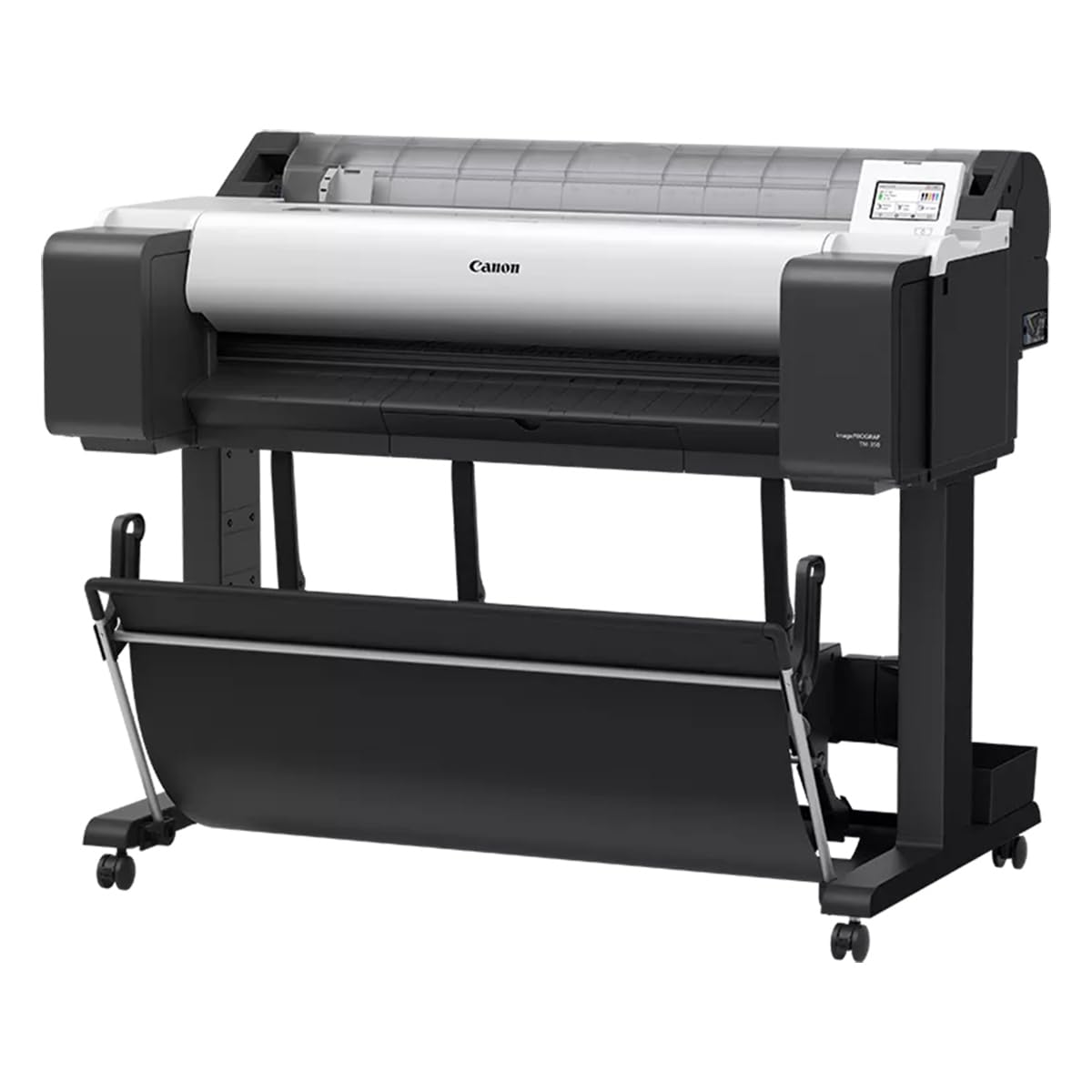
Red River Paper supports the Canon TM-250, TM-255, TM-350, and TM-355 with profiles and a Full Range of Photo & Fine Art Inkjet Papers.
Profile Support
How to Install Profiles - Windows
How to Install Profiles - Mac
How to Use Profiles
More Profile Support
How to install and use AM1X Media Type files
All Profile Download
Download all profiles for the Canon TM-250 TM-255 TM-350 TM-355 as one file.
Updated 29 Sep 25 to add UltraPro Luster and Trinity River Velvet
The download includes profiles for the following products:
Photo Papers
- Polar Gloss Metallic
- Polar Luster Metallic
- UltraPro Gloss
- UltraPro Satin
- UltraPro Luster
- Arctic Polar Luster
Matte Papers
- Polar Matte Papers
- Premium Matte Papers
- Paper Canvas
- River Linen
- ColorJet
Fine Photographic Art Papers
- Big Bend Baryta
- Palo Duro Etching
- Aurora Art White
- Aurora Art Natural
- Baram Hanji
- Noori Hanji
- Trinity River Velvet
Troubleshooting
We know all too well how frustrating printers can be sometimes! Here are some steps to take if you find yourself running into issues printing on your Canon printer using our media.
With any printer, the Canon imagePROGRAF series included, the first troubleshooting step if you are running into issues with color, centering/margins, paper jamming, missing media types, or other technical problems, is to ensure you have the latest official Canon printer driver installed.
On Mac OS, doing a system update can cause the official Canon driver to be silently replaced by Apple's generic printer driver that they call "AirPrint". You can find instructions on how to find your driver version and install the correct one here: https://www.redrivercatalog.com/infocenter/how-to-fix-missin...
Often on Mac OS, even if you have the correct driver installed, removing the printer, updating the driver, and re-adding the printer and then rebooting the computer will fix the issue.
On Windows, if you connect the printer to the computer without having installed the Canon driver, it will use Microsoft's generic printer driver that they call "IPP". To correct the issue, simply download and install the latest driver from the link above and it will replace the generic printer driver with the correct one.
Most common issues are addressed in our Infocenter and our Frequently Asked Questions page.
You can also contact us with technical support questions through this page: https://www.redrivercatalog.com/contact-us.html

About Red River Color Profiles
ICC color printer profiles are useful for getting consistent and accurate inkjet prints. While using a profile adds steps to your printing workflow, the end result will be less wasted ink and paper and less stress on your part.
Related Posts and Information
Last updated: September 29, 2025


