Free AI App Quickly Generates And Edits Images
by ARTHUR H. BLEICH
Image-generating apps are destined to play a significant role in the ongoing evolution of photography and, although its technology is complex, it’s simple and, in many cases, free to use. If you can describe the kind of image you want, ChatGPT will create it. It can also edit photos you've already shot. It’s like having a genie who will, at your command, produce some extraordinary results out of thin air.
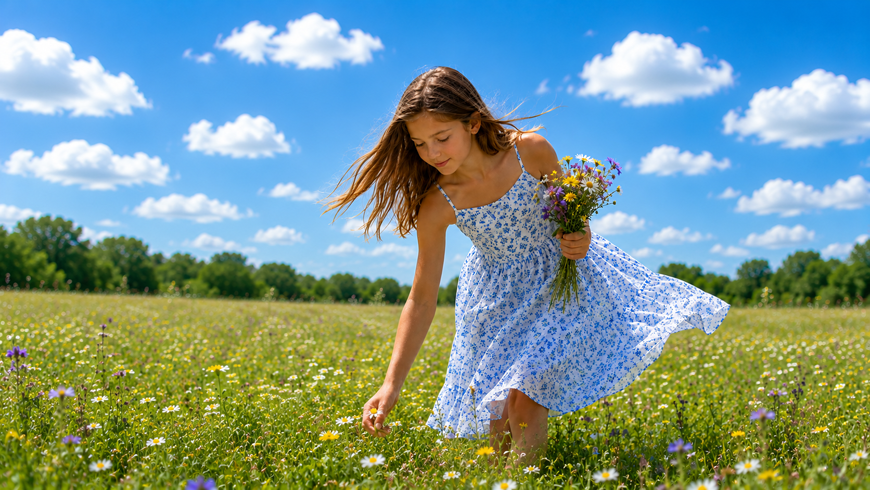
To generate the picture at the top of this post (the very first I've ever done), I typed in the following description: "I want a photographic image of a young girl, about ten years old, picking flowers in a field on a sunny day with a gentle breeze blowing.” Seconds later the image appeared and I was given the option of specifying several different image formats. Then I clicked on Download and seconds later it was downloaded to my computer. The cost? Nothing!
Cha GPT is owned by OpenAI and stands for Chat Generative Pre-trained Transformer. That’s a mouthful and if you want to know what it means, just Google it. Now, though, let’s get started by going through the simple steps that may open a whole new creative world for you. In some cases, when used together with your regular imaging program, it can save hours of time.
GETTING STARTED WITH ChatGPT
We’re going to use ChatGPT to create an image from scratch. AI apps can also go further by taking a photo you’ve already taken and altering it, but first let’s generate a new one.
1. Go to the ChatGPT site, click on Sign Up For Free and select a registration method.
2. It’s quickest if you select the option to use information already connected with one of your existing accounts at Gooogle, Microsoft, Apple or any other choice offered.
3. You can also register by email but there are a few more steps to this method and it may take a bit longer.
4. Once either of these two methods are used, you will be directed to the FREE section of the ChatGPT dashboard and can begin.
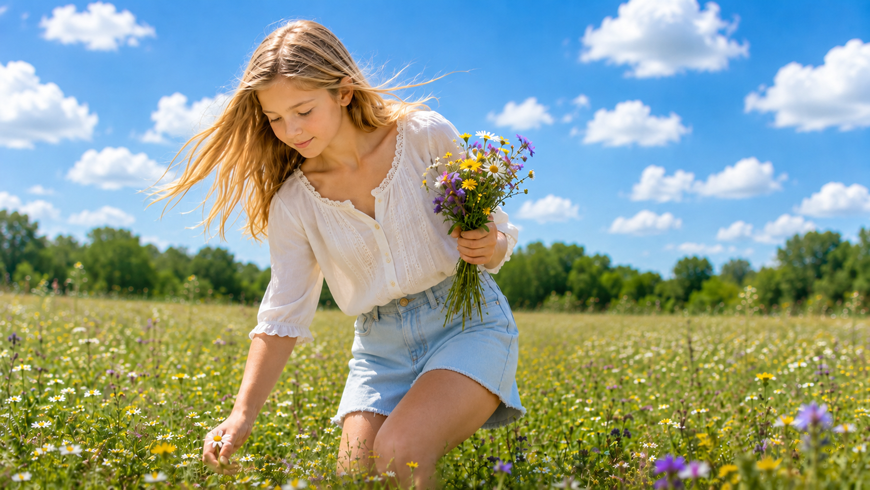
THERE ARE ALSO OTHER VERSIONS OF ChatGPT
The FREE version is good forever (and images are not watermarked) but there are usage limits and when you’re close to the limit you get a warning that shows the time when your access can resume (usually in about 5 hours but it can be shorter or longer) so you can pick up then where you left off and not have to start over. But it may be all you need if you only create or edit 5-10 mages a week, don’t mind occasionally waiting for your image generation limit to reset and don’t need to use the app every day.
If, however, you create new artwork a few times a week or work a lot on family photos and find yourself hitting the Free Plan's image limits more than you'd like to, then upgrading to the GO level ($8 per month) gives you 10 times more image generation time per session and adds other features like higher resolution images (if you need them). Finally, there's a PLUS plan ($20 per month) is for those professionals who use the app heavily every day.
HOW TO GET THE BEST IMAGE RESULTS
There’s an old saying: “Garbage In, Garbage Out” so good outcome depends on how you describe what it is you want. As an example, let’s analyze the prompt I used for the featured image: "A photographic image of a young girl, about ten years old, picking flowers in a field on a sunny, breezy summer day.”
Kind of Image: “A photographic image.” I could also have asked for a watercolor rendition or any other style of artwork.
Subject: “of a young girl about ten years old.”
Action: “picking flowers in a field.”
Lighting: “ on a sunny, breezy summer day.”
Composition: I did not specify this but I could have asked for the girl to be placed anywhere in the photo– center, right or left, choose close up or far away, or even ask for a high or low angle shot.
What struck me was how well ChatGPT generated an image in witch you can almost feel the “gentle breeze” by the app’s choice of the girl’s clothing and the arrangement of her hair.
WHO OWNS AN AI GENERATED IMAGE?
According to the law firm of Pender&Coward, “Under U.S. law, images created entirely by artificial intelligence without meaningful human creative input cannot be copyrighted and fall immediately into the public domain.
Pure text prompts are viewed as instructions rather than authorship, meaning anyone can legally copy or use a purely prompt-generated image.” But there are exceptions. (see more at Resources below).
Generally speaking, it’s best not to use totally AI-generated images for commercial use but it’s perfectly okay to use it when making changes to, or enhancing images you’ve already shot. Your rights to those images will then usually be preserved.
USING ChatGPT TO EDIT IMAGES YOU'VE CREATED
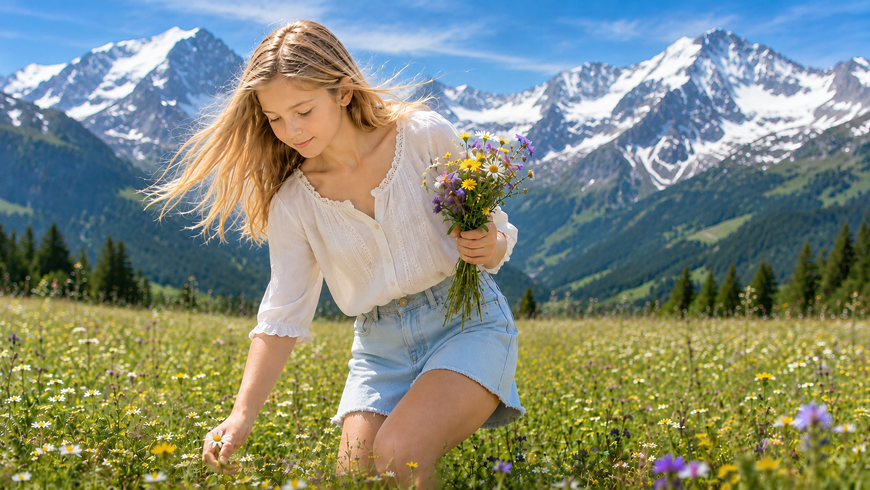
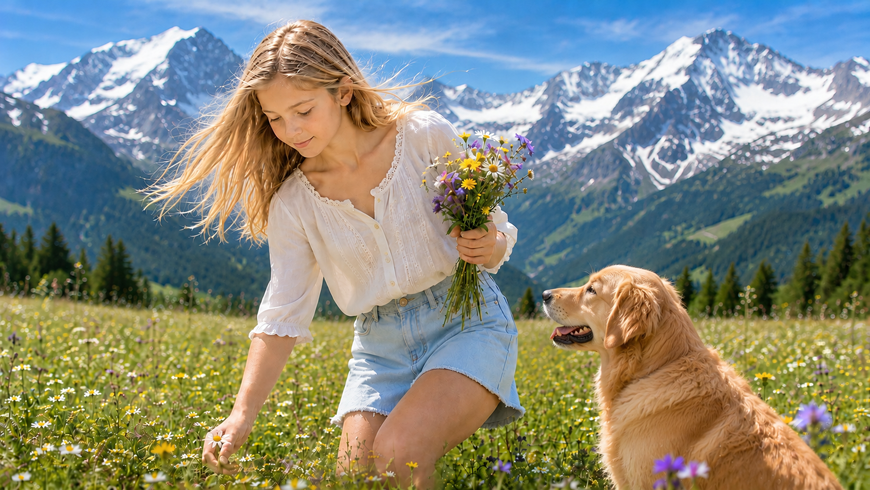
Using ChatGPT (and other apps like it) you can upload an image and alter it in almost any way you can conceive of. You can change the background, add and remove (or move) unwanted subjects or objects, change the lighting and more. As long as you can fairly accurately describe what you want, AI will do its best to generate it.
What might take an hour or more to do in an imaging program, can be done in seconds. And for those who don’t want to navigate the steep learning curve to complicated imaging programs, AI could be the perfect (and much less expensive) alternative.
A NEW WAY TO HAVE FUN WITH PHOTOGRAPHY
Cha GPT Also has 40 effect styles you can choose from to make image creation easy. They include Comics, Bobble Heads, Underwater, Studio Headshots, Avatars and much more. You can easily create greeting card images and photos for brochures and flyers without having any special skills. It's a great, new way to have fun with photography. And it doesn't cost a cent!
RESOURCES:
The web has many tutorials and explanations of AI photo generation. You can begin by asking Google: “How I can use ChatGPT to generate photos.” Or, " How I can upload my photos to Chat GPT for editing.” But go to the site first where you'll find that the instructions there are simple to follow.
For more on legal issues for professional photographers and designers, you may find this site useful:
https://www.pendercoward.com/resources/blog-opinions-and-obs...
Original Publication Date: July 27, 2026
Article Last updated: August 01, 2026
Related Posts and Information
Categories
About Photographers
Announcements
Back to Basics
Books and Videos
Cards and Calendars
Commentary
Contests
Displaying Images
Editing for Print
Events
Favorite Photo Locations
Featured Software
Free Stuff
Handy Hardware
How-To-Do-It
Imaging
Inks and Papers
Marketing Images
Monitors
Odds and Ends
Photo Gear and Services
Photo History
Photography
Printer Reviews
Printing
Printing Project Ideas
Red River Paper
Red River Paper Pro
RRP Products
Scanners and Scanning
Success on Paper
Techniques
Techniques
Tips and Tricks
Webinars
Words from the Web
Workshops and Exhibits
all
Archives
June, 2026
May, 2026
April, 2026
March, 2026
February, 2026
January, 2026
November, 2025
September, 2025
August, 2025
more archive dates
archive article list


Red River Paper Inc. All contents © 1997 - 2026. 8900 Ambassador Row, Dallas Texas, 75247. Prices, specifications, and images are subject to change without notice. Not responsible for typographical or illustrative errors. Website Terms & Conditions | Acceptable Use
Site Development & Maintenance: Phosphor Media, LLC